We build systems that read documents, classify requests and answer from company knowledge. First we check whether the problem really needs AI, then we measure the value with a small pilot.
Supplier, line items, VAT and totals are extracted from emailed PDF invoices; inconsistent records go to approval.
Anomaly detection
Mismatched amounts between order, delivery note and invoice are flagged before a person has to spot them.
Legal and expert domains
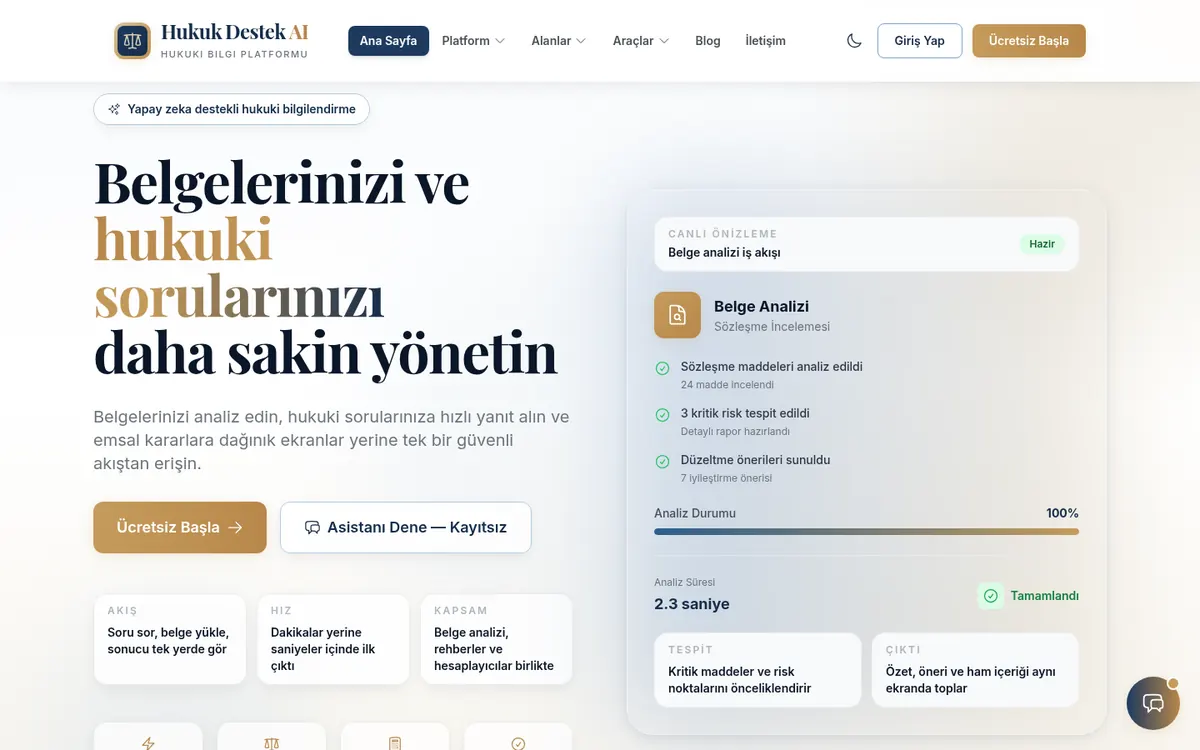
Contract analysis
Clauses are extracted from an uploaded document, risky ones are flagged and fixes are suggested; Hukuk Destek AI works this way.
Search that cites sources
Answers from case-law or internal document search are tied to their source, and the system says "not found" instead of inventing one.
E-commerce and retail
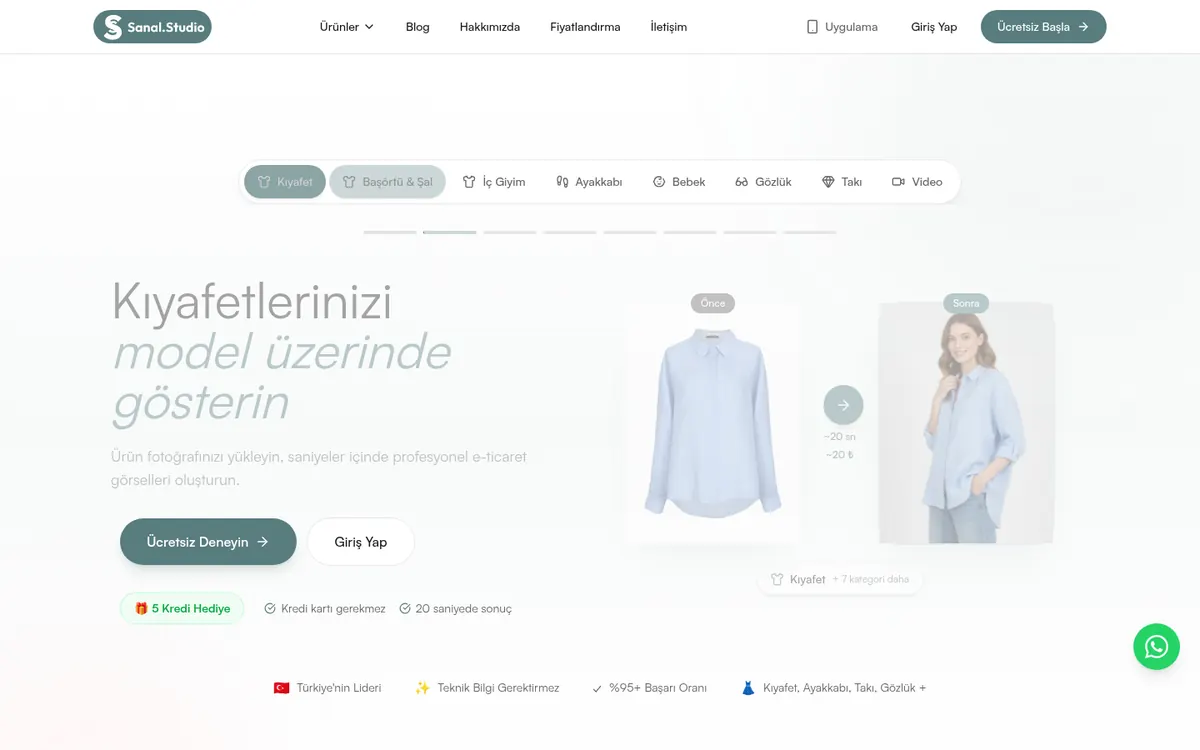
Product image generation
Model photos from a single product shot; we run this every day in our own product, Sanal Studio.
Request and review classification
Customer messages are sorted by topic and urgency, routed to the right team, and recurring questions get draft replies.
Services, education and internal ops
Internal knowledge assistant
An assistant that works from procedures, product docs and past correspondence, and answers according to user permissions.
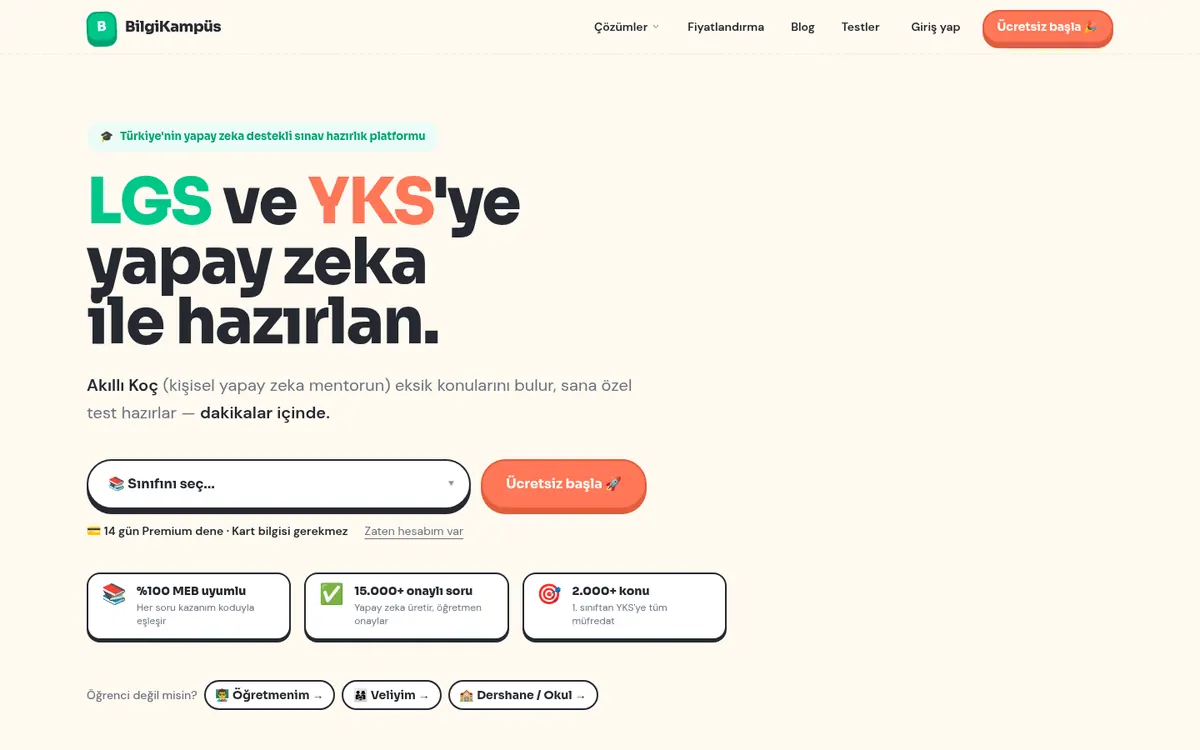
Personalised content
A coach that finds a student’s weak topics and builds tests around them; BilgiKampüs works on this model.
How does an internal assistant work?
A reliable AI system is less about a good model and more about a good frame: what the model can access, which sources it relies on, what it does when unsure and how each decision is logged.
The flow on the right is the typical structure of an assistant that answers from company documents (RAG). The key is step five: if the system cannot ground an answer in a source, it does not make one up, it hands the question to a person.
Example flow: internal assistant that cites sources
01User asks a questionFrom the web, an internal panel or a messaging channel
02Permission checkDetermines which documents this user may see
03Finding relevant documentsVector search selects the most relevant passages
04LLM answer with sourcesThe answer relies only on retrieved passages and cites them
05Hand-off if there is no basis"I don’t know" plus routing to the right person, instead of guessing
06Logging and feedbackEvery question, answer and rating feeds accuracy measurement
How we approach it
01Criteria first, model second
We start an AI project by asking how accurate it needs to be to be useful. What share of invoice fields must be right, which classification error rate is acceptable? Without that written down, whether the system succeeded stays open to debate.
02A human stays in the loop
On every step where mistakes are costly, the system suggests and a person decides. Approval screens, reason fields and feedback buttons are part of the project; over time the data shows which steps can safely be automated.
03Answers grounded in sources
Assistants working with company knowledge answer only from retrieved documents and show their source. If there is no basis, they say they don’t know instead of inventing an answer. That is the precondition for users to trust the system.
04Architecture without provider lock-in
Models change every few months. We keep model calls in one layer and version prompts and test sets, so when a better or cheaper model appears it can be compared on the same tests and swapped in.
What we deliver in an AI project
Use-case analysis: value, feasibility and risk
A pilot running on your real data
Accuracy measurement: test set and results report
Integration with your existing systems
Approval screens for steps that need a human
Logging and traceability for every decision
Architecture ready for model and provider changes
Usage and cost tracking dashboard
A small pilot first, then production
1Discovery
1-2 weeks
We prioritise AI use cases by value, feasibility and risk, and set a measurable success criterion.
2Prototype
2-3 weeks
We build a pilot against a test set from your real data and measure accuracy. If the result falls short, we say so plainly.
3Build
4-12 weeks
We turn the pilot into a secure, traceable product connected to your existing systems.
4Launch and operate
Ongoing
We monitor accuracy and cost in live use and update the system as new models arrive.
AI projects have two cost parts: development and usage. Development scope is set during discovery, after which we offer either a fixed project budget or an ongoing product-team model. We measure model usage cost during the pilot and show you the real figure.
If the pilot does not meet expectations, stopping there without scaling the project is always an option.
Questions about AI projects
Does every task need AI?
No. Most rule-based work is cheaper and more reliable with classic software. We recommend AI for repetitive work that requires reading text, documents or images, and we make that distinction openly during discovery.
Which models do you work with?
We have production experience with Gemini and OpenAI models. We avoid locking the architecture to a single provider, so you can switch when a better or cheaper model appears.
What if the AI gives a wrong answer?
That is why we build systems that rely on sources, hand off to a person when unsure and ask for human approval on critical steps. Every decision is logged.
How do you measure accuracy?
We prepare a test set from your real data, run the system on it and report the results. After launch, measurement continues with user feedback.
Is our data used to train models?
During discovery we review the providers’ data policies for enterprise API use with you, and decide together which approach suits sensitive data.
Can it connect to our existing systems?
Yes. The AI step usually sits inside an existing flow such as email, ERP, CRM or an internal panel, and we build the integration as part of the project.
Let’s talk about your project for 30 minutes.
In a free discovery call we listen to what you need and sketch a workable path and a rough timeline.